


In asterCC commercial call center system, all agent calls are being recorded, the recording directly saved on the server, the system services without additional recording equipment.
In asterCC commercial call center system, all agent calls are being recorded, the recording directly saved on the server, the system services without additional recording equipment.


Today asterCC released a new version: asterCC 1.2-beta, in this version, it uses a new http push moduel, more stable than the previous one. The other improvement is that it comes with two new modules: customer service and work order Besides, the license mode has big changes, it now gives 60 days trail with all modules and 5 agents, you can apply for longer time or more agents for test if need. You can download from https://astercc.org/downloads Related posts:

Shijiazhuang Guoda Group has 3 chain hotel brands—Eaka 365, Gogo inn, and Tony inn, and the hotel number of these 3 brands is estimated to reach 200 in 3 years. To better serve the guests, the group decided to employ astercc call center system.
The 400 call center requires 24-hour service, high quality of voice and fax. Therefore, sangoma E1 card with echo cancel has been chosen for the hardware side.
After a month’s system customization and test, the system was put online on December, 6, 2012.
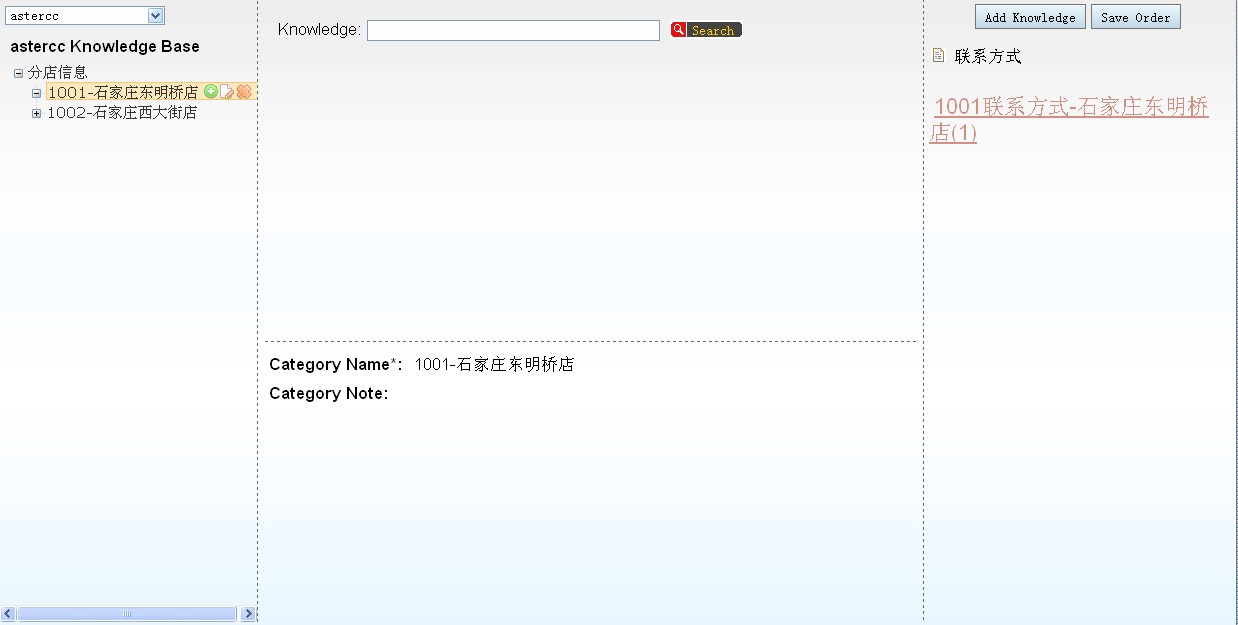
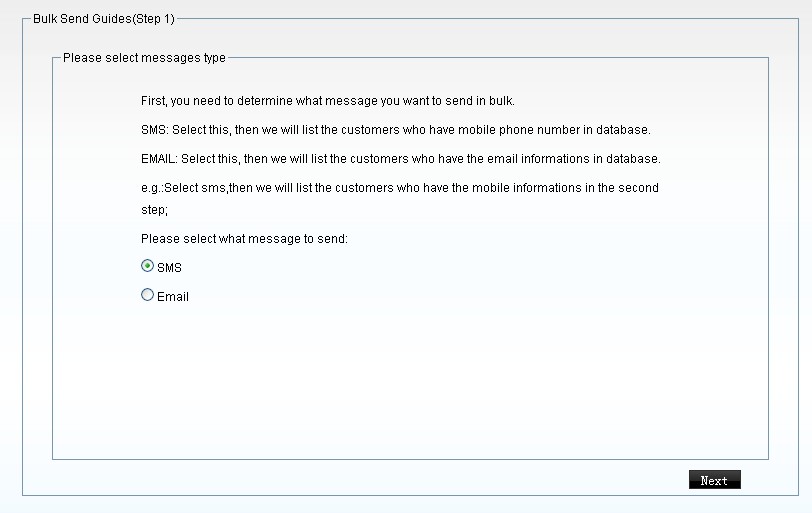
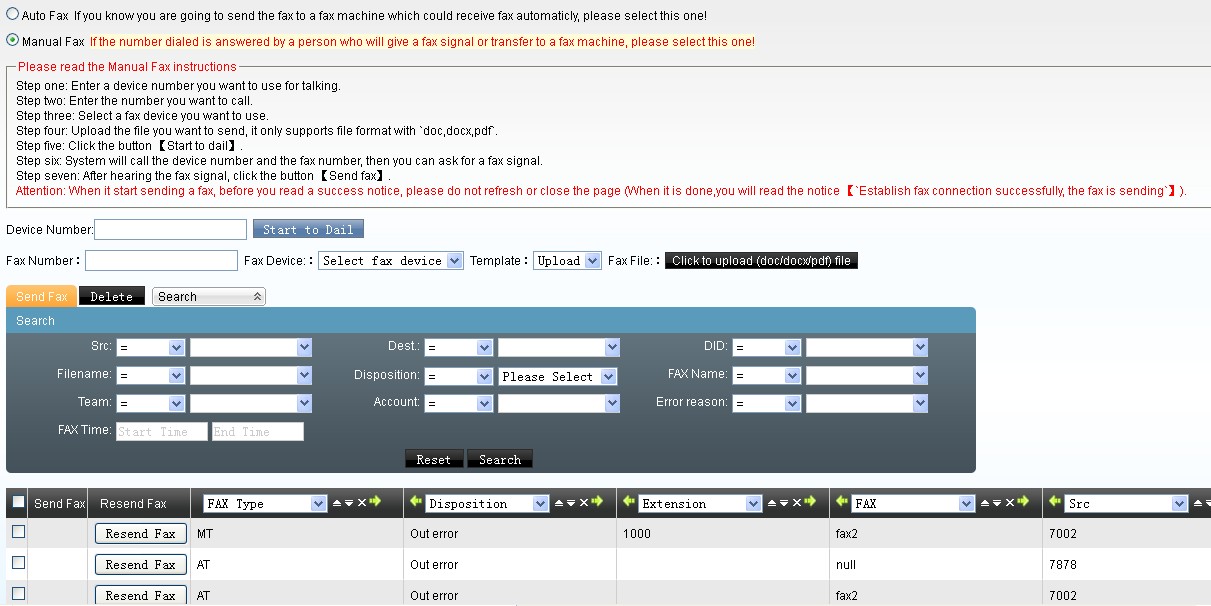
The system realized the following functions,




asterCC BOX 0.13:
* updated to freepbx 2.6 rc2
* updated to asternic 1.2
* updated to asterCC 0.13
asterCRM 0.061:
* added agents manager in astercrm to manage agents.conf
* fixed the bug that cant edit worktime_package
* added callOrder field in diallist
* added diallist panel in portal page
* added the daemon to convert recording files to mp3 format
* added mp3 online player
* added agent portal panel switcher
* added clear screen button in agent portal
asterBilling 0.11:
* fixed the prefix billing
* added professional mode
* added member mode switch
* added Portuguese support

In a virtual office, you will have few receiption but they can answer calls for hundred company, in such case, they should know which number customer dialed so that they dont mess up the calls, now we introduce u how to build a virtual call center using astercrm & asterisk.
1. add extension for receiption
open your browser and go to freepbx, click extension on left menu and add extensions for your receiption, here we have three extensions: 8000, 8001 and 8888

2. add a queue for your receiptions which would be used to answer incoming calls, we only add 8000 and 8001 in this queue

and u can set some options for this reciption queue

3. add a trunk which could be used for incoming calls

and the most important, set registry for this trunk so that u can get calls in

4. add a inbound route so that the receiption queue could answer your incoming calls

now make a call to your DID number, if everything is allright, phones of receiption should ring
5. go to astercrm and add account for your receiptions

6. add trunkinfo so your receiption could get some information about the number customer dialed

here Trunk Channel should be the username of your trunk, not trunk name in freepbx
7. login as a receiption accound and try make a call

when ringing

when talking
this tutorial could be used on trixbox, elastix or any other system using freepbx, also u can config receiption account and dialplan by your self.
In asterCRM, it provides a survey features, so you can set survey for your customers, here will give you a simple introducation for this:
first you need to add a survey, login as admin/group admin go manager interface and click survey icon, click “Add” button for a new survey, you can add several options for one survey, and each survey it provides three kinds: radio, checkbox and text


Click the “item” link next to the option to enter items for this option

keep putting options and items until u finish this survey.
Then you can put a survey from the agent page


*when there’s a customer or contact in your record form, if u click the “Add” link of a survey, the result will be linked with the customer
Click the “Detail” link of a survey, u can get a statistic of this survey

asterCC package provides a call center solution and a billing solution for asterisk, the most important feature is, asterCC could work with all asterisk based solutions and no need do any modification to the original system, as we have tested, including:
so when you are using a asterisk based system and want to add call center or billing features, asterCC is a good choice.
asterCC solutions connect to your asterisk via AMI over tcp, so even a embedded asterisk equipment would use asterCC for billing or contact center.
asterCC works based callerid, so it doesnt care what’s the asterisk dialplan or how a agi work, as long as you have correct callerid in your asterisk, asterCC could work with it.
Working as daemon service in linux, asterCC is stable and extremely efficient, we have test that it could support at least 240 simultanieous asterisk calls.
Open source as all web scripts is, there’s also the possibility that you make your own solution based astercc daemons, and with the 5 free simultanieous channel license it provides by default, no need to pay a dollar for small business, like to bill an asterisk pbx with users less than 12.
Dynamic Agent mode is very useful in a outbound call center, agents login to a queue and hear some music we definied in the queue, then predictive dailer start works, it dials customer numbers and once it get connected the dialer will redirect the call to the queue, and agent in the queue could hear a beep immediately then could start talking to the customer, it’s so quick that customer just think it’s a call from the agent. With asterCRM, agent could get customer information once the call get connected, here we’ll introduce how to set dynamic agent in freepbx and asterisk: First, we need to add some extensions and queues in FreePBX: add extensions: go to FreePBX extensions page,  then we add a queue and choose a dynamic agent for it like following figure
 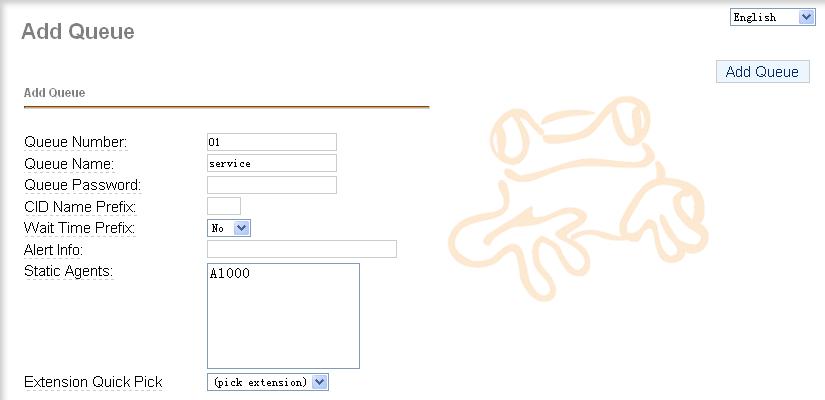 yes, if you want to add a dynamic agent for a queue, you should add a agent number with A in queue agent list, and we can notice that message from FreePBX.
  so we need to counfigure agent.conf in asterisk conf directory, here we add a dynamic agent which number is 1000, its passoword is 0000, name is Brad
  then we add a dialplan for agent login in extensions_custom.conf like following line:
  update the context of extension 8000 to “agent-test”. here, we had a queue which include a dynamic agnet, well then we need add a user in astercrm, go to the extension management page of astercrmand add a new extension and assign agent 1000 to him:
  Agnet start work: first the extension have to login as a agent to PBX, when 8000 dial “*789”, it would hear the prompt that require to enter the agent number and password to login as the agent, enter agent number 1000 and password 0000, it can login as agent 1000. login to asaterCRM by brad/1234, the asterCRM could pop-up if anyone call to Agent/1000 or extension 8000.
In July, 2007, we start a project, the aim is to provide a call center system for asterisk, which should be all web based and no rely on dialplan, also should have some simple CRM features. That’s how asterCRM came, we made it all open source and free to use so that it could grow faster. On 2007-08-08, we released the first version, 0.01beta, then 0.01, 0.03, 0.04 … it upgraded almost every month. At the same time, we’d like to provide a realtime billing solution for asterisk, then we made tow daemons running in linux, astercc and asterrc, astercc could catch live CDR from asterisk and asterrc could bill based rate and destination. We found this billing solution is perfect for hosted callshop, then we released asterCC on 2008-3-5, asterCC means the core of the system is the astercc daemon. After asterCC released, we found that we could get a much better performance and much more features if we use astercc damon in asterCRM, then we start integrate astercc daemon into asterCRM, then we released 0.0461 and 0.047beta, so that asterCRM could work based astercc daemon smoothly. So for now, both the billing solution and the call center solution need astercc daemon, then we decide rename them and package both into one software, we use asterCC as the package name, asterCRM as call center solution as it was, and use asterBilling as the software for realtime billing. asterCC ——asterCRM ——asterBilling asterCRM and asterBilling are both open source software, but the point is that you have to purchase license to get more simultaneous channels support in astercc daemon, by default it provide 5 free license so you can experience how asterCRM and asterBilling works.


