


In asterCC commercial call center system, all agent calls are being recorded, the recording directly saved on the server, the system services without additional recording equipment.
In asterCC commercial call center system, all agent calls are being recorded, the recording directly saved on the server, the system services without additional recording equipment.

Outbound call center is mainly concerned about the contract situation, agents efficiency and data usage. We gives some useful reports in this post.


Today asterCC released a new version: asterCC 1.2-beta, in this version, it uses a new http push moduel, more stable than the previous one. The other improvement is that it comes with two new modules: customer service and work order Besides, the license mode has big changes, it now gives 60 days trail with all modules and 5 agents, you can apply for longer time or more agents for test if need. You can download from https://astercc.org/downloads Related posts:

Go to system modules, when there’re new modules or upgrades, it will give “DOWNLOAD” or “INSTALL” button

click the DOWNLOAD button, copy the download url

login to system via ssh, go the astercc upgrade directory, like /var/www/html/asterCC/data/_cache, use wget to download the package
you can also download the package on your pc first, then upload the the directory

refresh system moduels page, you will see UPGRADE button

Click OK to start upgrade, during UPGRADING, system service may stop

Because in 1.2-beta, assterCC use a new nginx module, so you need upgrade nginx from ssh, copy the command we will use

Login from ssh, run the command, please make sure the server gets internet access, or else it could not upgrade

when it’s finished, you will see

refresh the system modules page, you will see now it’s latest version


As customer requires, we did a inbound testing with asterCC call center, the environment is agent: PC + softphone (63 online agents max.) server: Dell PowerEdge 2950 ( E5405 x 1, 4G ) PBX + CTI + Recording Dell PowerEdge R710 ( E5405 x 1, 4G ) PHP + MySql testing start: 4pm, 25th,Jan,2013 testing end: 9am,28th,Jan,2013 Metho: create 100 agents and set them in one queue, use DID inbound route to make the calls go to the queue, and keep the simultaneous call numbers to be 100. test result: 63 agents at the beginning, when it’s done, 58 agents online,5 agents quit due to system halted at PC, another 3 agents has softphone issue test conclusion: asterCC call center passed the test, for agents, customer could consider use IP Phone or gateway to instead of softphone.

this article introduces how astercc predictive dialer work in call center.

Shijiazhuang Guoda Group has 3 chain hotel brands—Eaka 365, Gogo inn, and Tony inn, and the hotel number of these 3 brands is estimated to reach 200 in 3 years. To better serve the guests, the group decided to employ astercc call center system.
The 400 call center requires 24-hour service, high quality of voice and fax. Therefore, sangoma E1 card with echo cancel has been chosen for the hardware side.
After a month’s system customization and test, the system was put online on December, 6, 2012.
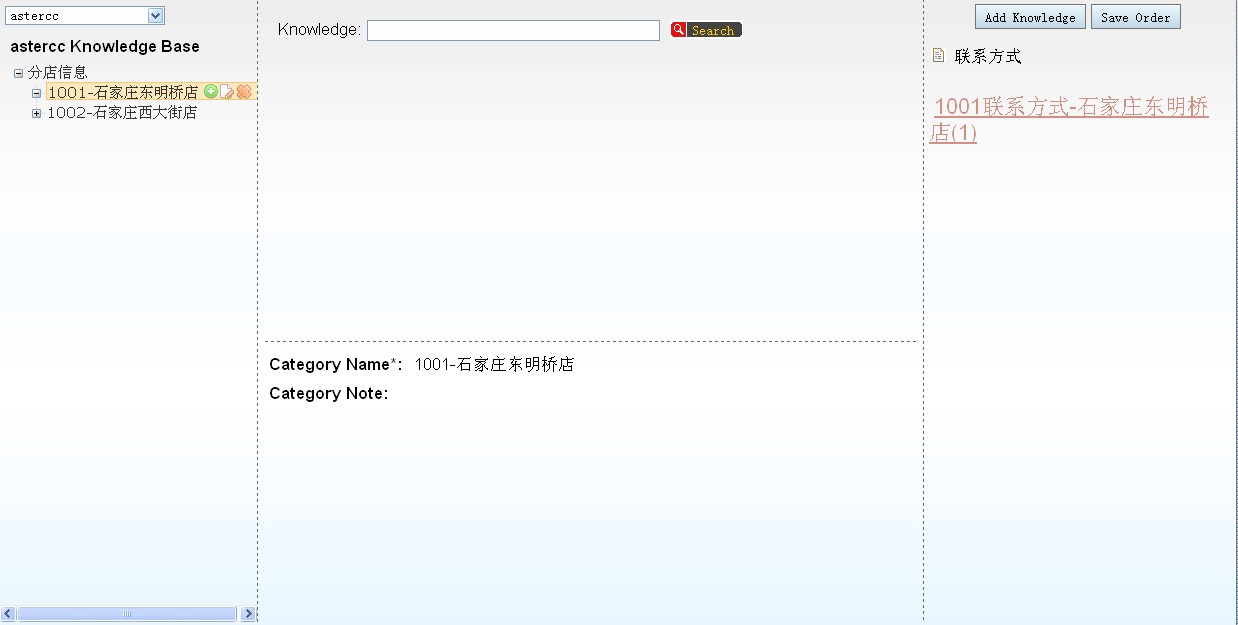
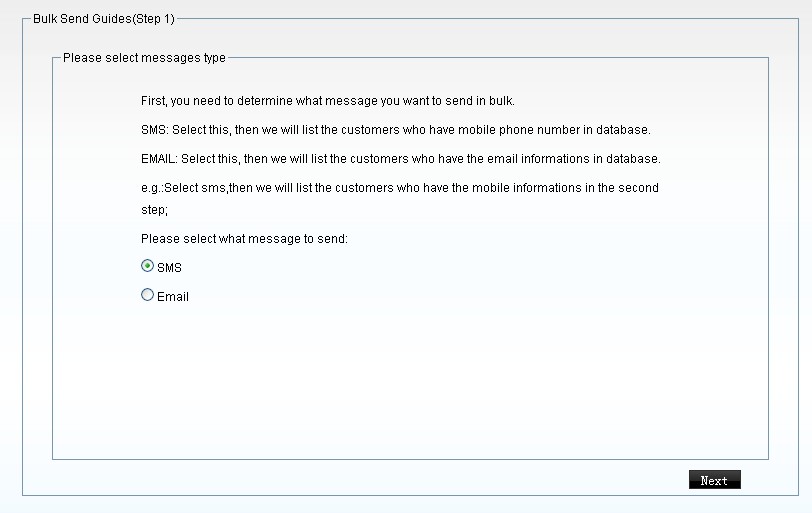
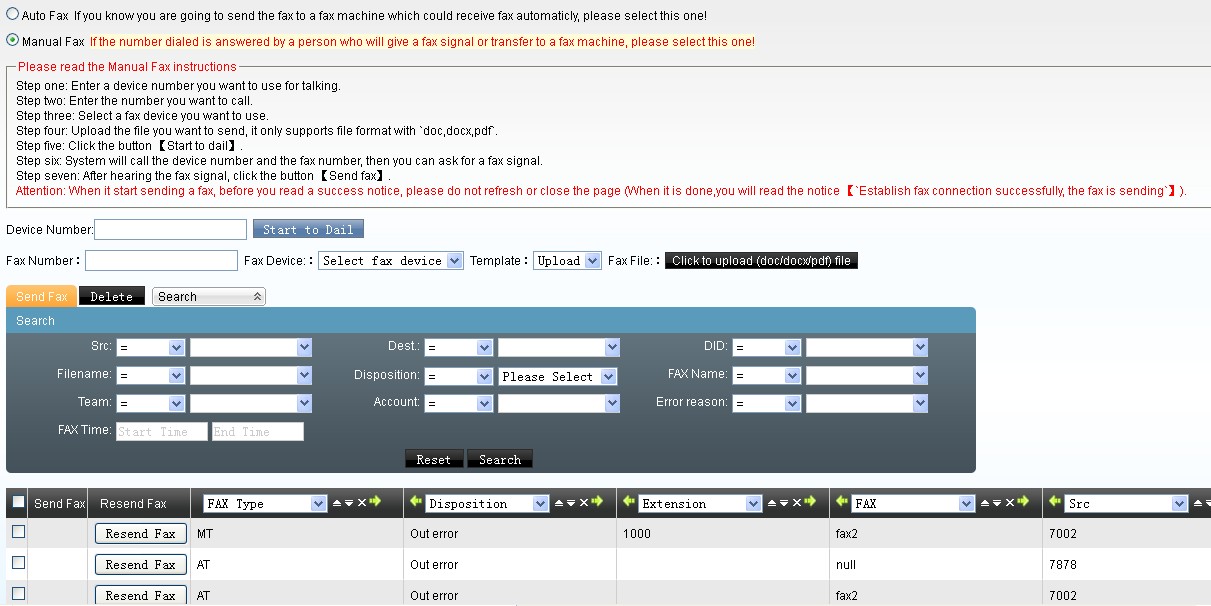
The system realized the following functions,




Addition to constantly improve and to develop a commercial version of the function, we are still in the maintainer of the open source version.
download link https://astercc.org/downloads
Ungraded from beta 2, asterCC 1.1 has fixed the bugs, added convenience, and offered many new useful functions. Here we’d like to share with you some of the main new functions.
asterCC commercial provides no account limitation and full featured IP PBX for free, and it also provides 5 trail agent license by default

